

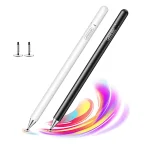
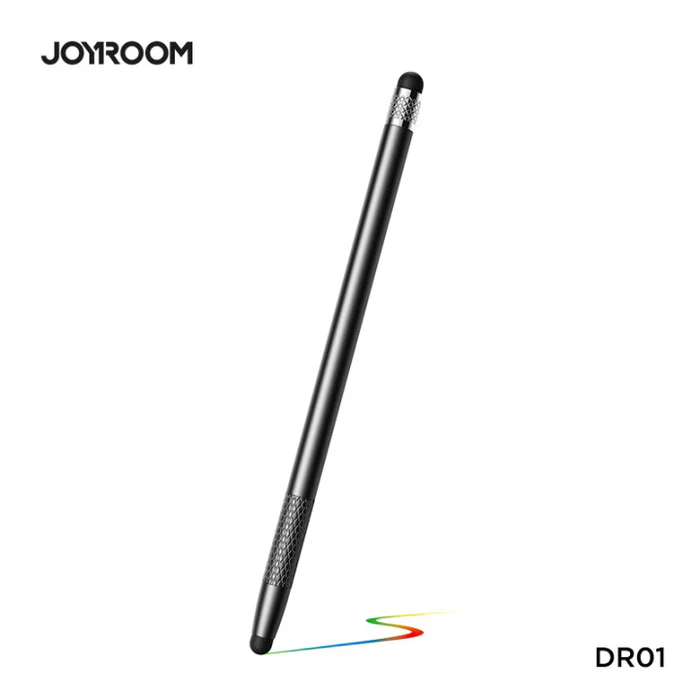
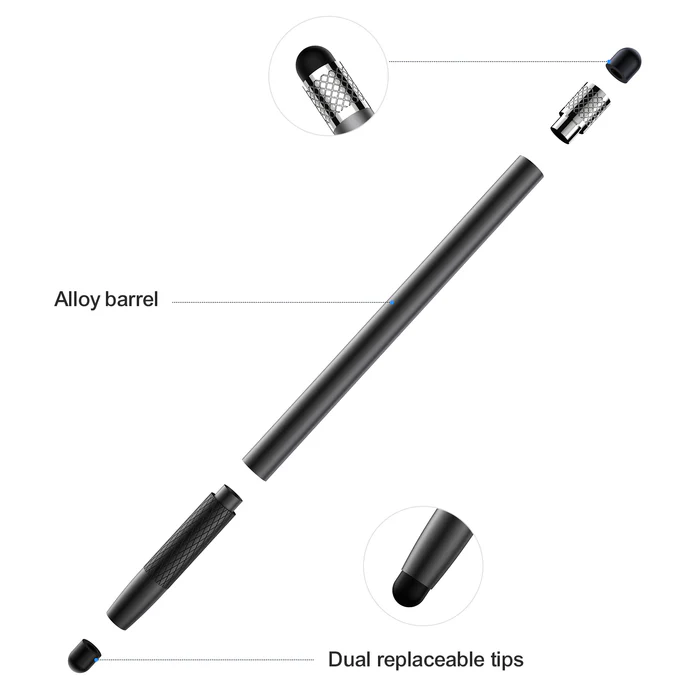
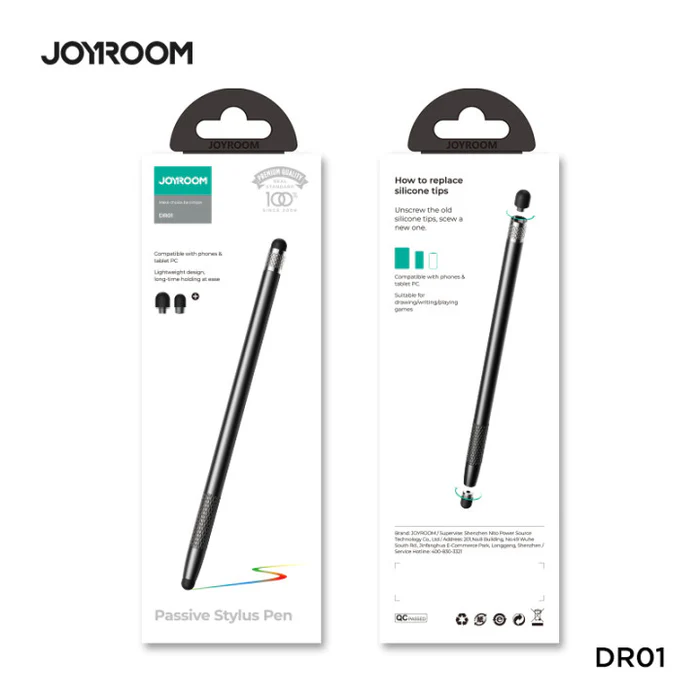
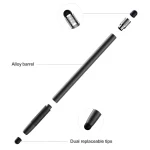
Joyroom JR DR01
৳ 700.00

Fast Shipping
Carrier information

20k products
Payment methods

24/7 Support
Unlimited help desk

2-day Delivery
Track or off orders
Description
What Is The Joyroom JR DR01?
The Joyroom JR-DR01 Dual-Mode Wireless Presentation Laser Pointer transforms everyday public speaking, academic lectures, and corporate board meetings into seamless, professional experiences. Joyroom engineered this pocket-sized presenter to give speakers absolute control over their digital slides.
Consequently, it combines a long-range wireless transmitter with a highly visible laser core, allowing you to move freely around the room while commandingly guiding your audience’s attention.
Technical Specification – Joyroom JR DR01
SKU- G56566P
| Feature | Specification Details |
| Model Code | JR-DR01 |
| Product Purpose | Dual-Mode Wireless Presenter & Laser Pointer Flip Pen |
| Wireless Technology | Advanced 2.4GHz RF Digital Frequency |
| Receiver Interface | 2-in-1 Dual Output (USB-A + Type-C Receiver) |
| Control Range | Up to 100 Meters ($328\text{ ft}$) Maximum Distance |
| Laser Core Class | Safe Class 3R Highly Visible Red Laser |
| Laser Distance | Projects sharply up to 200 Meters ($656\text{ ft}$) |
| Power Requirements | 1$\times$ Standard AAA Battery Cell |
| Device Compatibility | Universal (Windows, macOS, Android, Linux) |
| Software Support | PowerPoint, Keynote, Google Slides, PDF, Prezi |
Core Performance Features
1. 100-Meter Range 2.4GHz Wireless Freedom
Command Massive Auditoriums: To begin with, the advanced 2.4GHz radio frequency chip ensures a rock-solid connection without dropouts or lag. This tech gives you a commanding wireless control circle extending up to 100 meters. Therefore, you can step away from the podium and interact directly with your audience.
Class 3R Precision Laser: Additionally, the built-in red laser projects a sharp, bright point up to 200 meters away. This vivid light allows you to isolate small data plots or call out vital bullet points cleanly on massive projector screens.
2. Innovative 2-in-1 Dual Interface Dongle
Cross-Generation Connectivity: Next, the ultra-slim wireless receiver drops old hardware limits by offering a dual-head design. One end features a standard USB-A head, while the opposite side features a modern Type-C plug. Consequently, you can switch seamlessly between older desktop towers and modern ultra-thin laptops without carrying awkward dongles.
Anti-Loss Magnetic Storage: However, you never have to worry about dropping the tiny receiver inside your travel bag. The base of the pointer houses a strong magnetic slot that securely holds the dongle when your presentation concludes.
3. Plug-and-Play Simplicity with Ergonomic Layout
Zero Driver Setup: Furthermore, this presenter requires absolutely zero software installation. You simply slide the receiver into your target device to begin flipping slides in under two seconds. As a result, it eliminates stressful tech delays right before crucial speeches.
Blind-Touch Button Mapping: Finally, the physical layout uses distinct, raised contours for slide navigation, volume control, and black-screen toggling. This intuitive design allows you to navigate your deck completely by feel, keeping your eyes locked onto your audience.
FAQ and Operation Rules
Q1: Will the Joyroom JR DR01 pointer function properly on modern LED/LCD TV displays?
The wireless slide buttons will work perfectly, but standard optical red lasers fade on high-brightness LED panels. Standard physical laser cores rely on a surface matte finish to scatter light back to your eyes. Because modern LED televisions and interactive glass smartboards emit intense direct backlight and absorb light reflections, the red laser dot will appear incredibly faint or invisible. If you frequently present on television arrays, use the clicker buttons to change slides and rely on on-screen digital software cursor tracking to highlight your notes.
Q2: How do I handle battery maintenance to keep the pointer working reliably?
The presenter runs on a single, universally available AAA battery cell to guarantee you can find a replacement anywhere in the world. An internal smart power management chip keeps current draw low, giving you months of continuous presentation utility from a single cell. To maintain peak laser brightness and prevent corrosive battery leaks inside the housing, always remove the AAA battery if you plan to store the clicker inside your desk drawer for several months between speaking events.