


Ugreen 6-in-1 USB C Hub
৳ 2,956.00

Fast Shipping
Carrier information

20k products
Payment methods

24/7 Support
Unlimited help desk

2-day Delivery
Track or off orders
Description
What Is The Ugreen 6-in-1 USB C Hub?
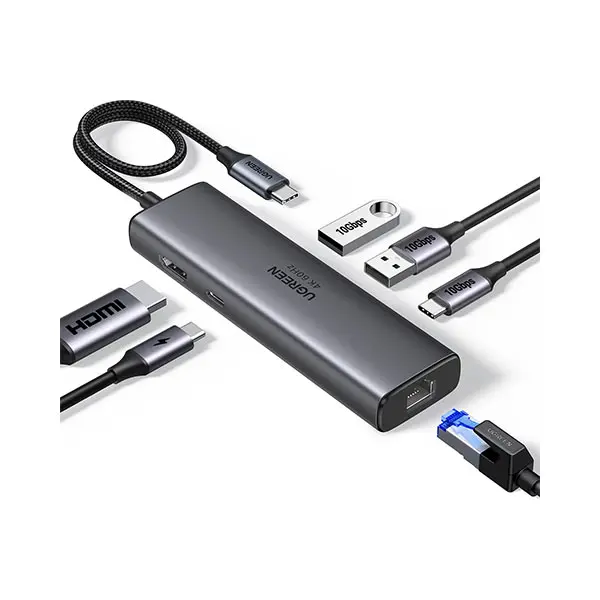
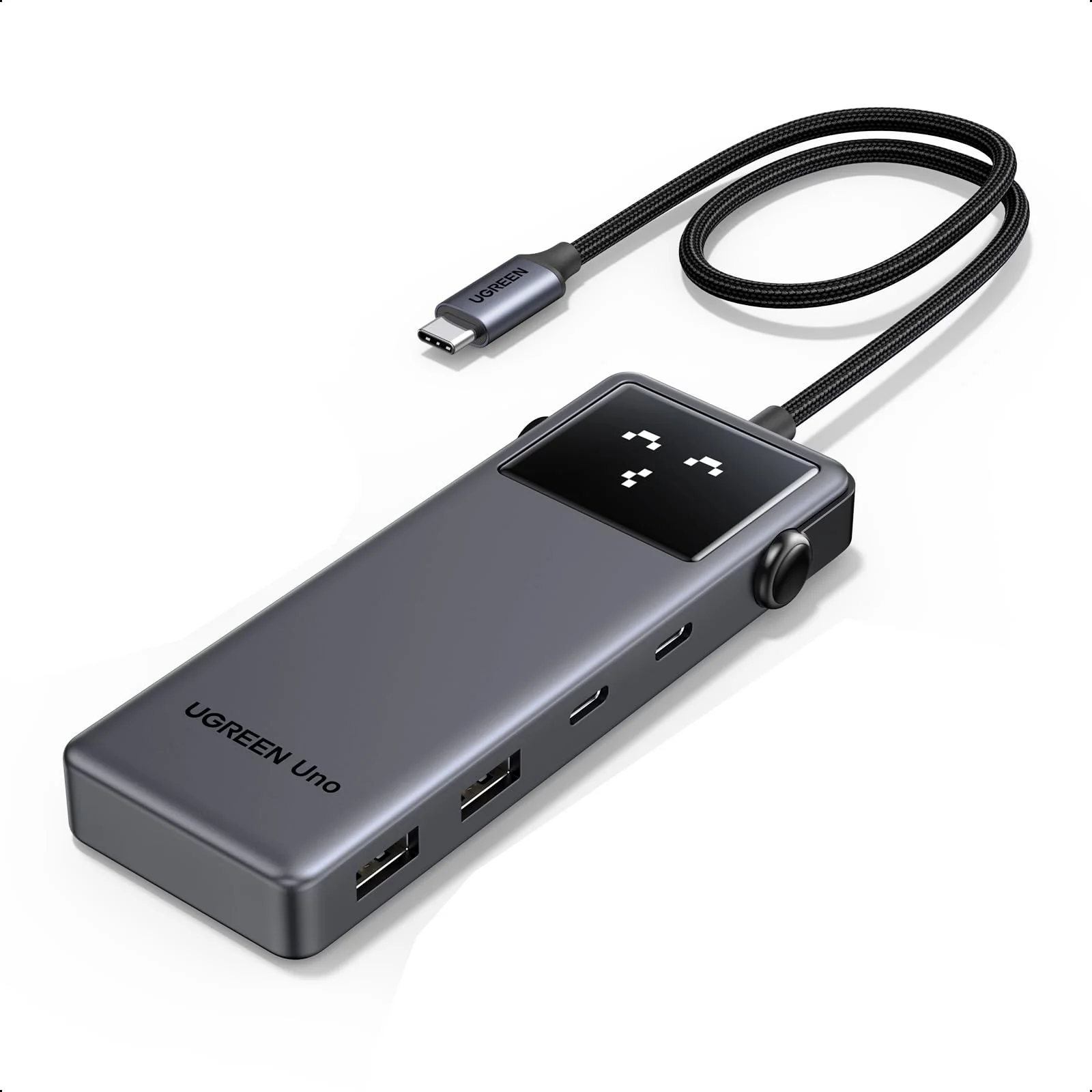
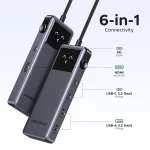
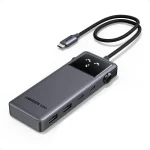
The Ugreen 6-in-1 USB C Hub completely redefines your daily workstation layout by turning a single Type-C port into a high-powered connectivity station. UGREEN engineered this sleek aluminum adapter specifically to expand the limited physical ports on modern laptops, tablets, and smartphones.
Consequently, it allows you to connect large external monitors, read high-speed memory cards, and link legacy desktop accessories all at the same time.
Technical Specification – Ugreen 6-in-1 USB C Hub
35998
| Feature | Specification Details |
|---|---|
| Model Code / SKU | CM511 / 15598 (or 60383) |
| Product Purpose | 6-in-1 Multi-Port Type-C Expansion Docking Station |
| Material Build | Premium Space-Gray Aluminum Alloy Chassis (Heat-Dissipating) |
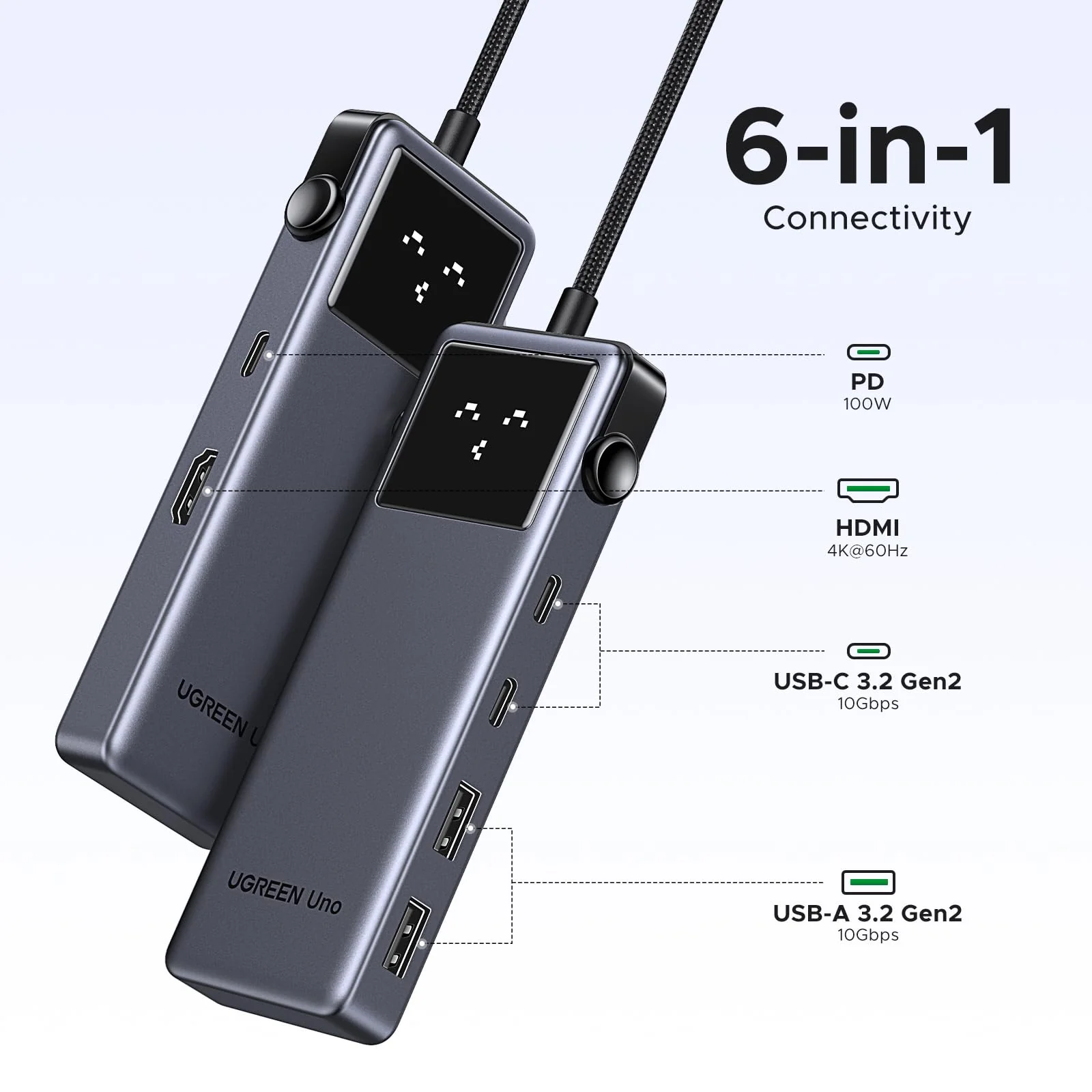
| Video Output Port | 1$\times$ HDMI Interface supporting 4K @ 30Hz or 4K @ 60Hz (model dependent) |
| Power Delivery Port | 1$\times$ USB-C Pass-Through supporting 100W PD 3.0 Fast Charging |
| USB Data Expansion | 2$\times$ USB 3.0 Type-A Ports supporting 5Gbps Data Speeds |
| Memory Card Reader | 1$\times$ SD Card Slot, 1$\times$ TF/MicroSD Card Slot (Dual-Card Read) |
| Input Connection | Attached Reinforced Braided USB-C Cable (15 cm/5.9 in) |
| System Protocols | Plug-and-Play across Windows, macOS, iPadOS, Linux, Android |
Core Performance Features
1. 100W Power Delivery and Stunning 4K Video
Massive Pass-Through Charging: To begin with, the integrated USB-C Power Delivery 3.0 port supports up to 100W of input juice. The hub uses 5W to power its own internal processors while routing a safe 95W directly to your host machine. Therefore, your laptop charges at full speed while you run multiple external accessories.
Vibrant External Display Mirroring: Additionally, the dedicated HDMI port lets you output crystal-clear 4K resolution straight to a workspace monitor or living room TV. This video stream runs without stuttering or screen flicker. As a result, you get a premium, lag-free viewing experience for editing photos or streaming movies.
2. 5Gbps SuperSpeed Transfer and Dual Card Slots
Blazing Fast File Syncing: Next, the dual USB 3.0 ports deliver data transfer rates up to 5Gbps. This speed lets you move massive high-definition movies or heavy work files from external thumb drives in mere seconds. Therefore, you spend less time waiting and more time executing your tasks.
Dual-Card Memory Expansion: Furthermore, the built-in SD and MicroSD slots operate on a smart independent controller. This architecture lets you read and write data to both memory cards simultaneously. Consequently, content creators can pull raw footage straight from camera cards without swapping pieces back and forth.
3. Premium Thermal Shell and Pocket Portability
Efficient Aluminum Heat Control: In addition, the outer body is crafted from aircraft-grade aluminum alloy with a sleek anodized matte finish. This metal shell acts as a physical heat sink to dissipate warmth during intense file transfers. Thus, the internal chips stay cool to prevent data corruption.
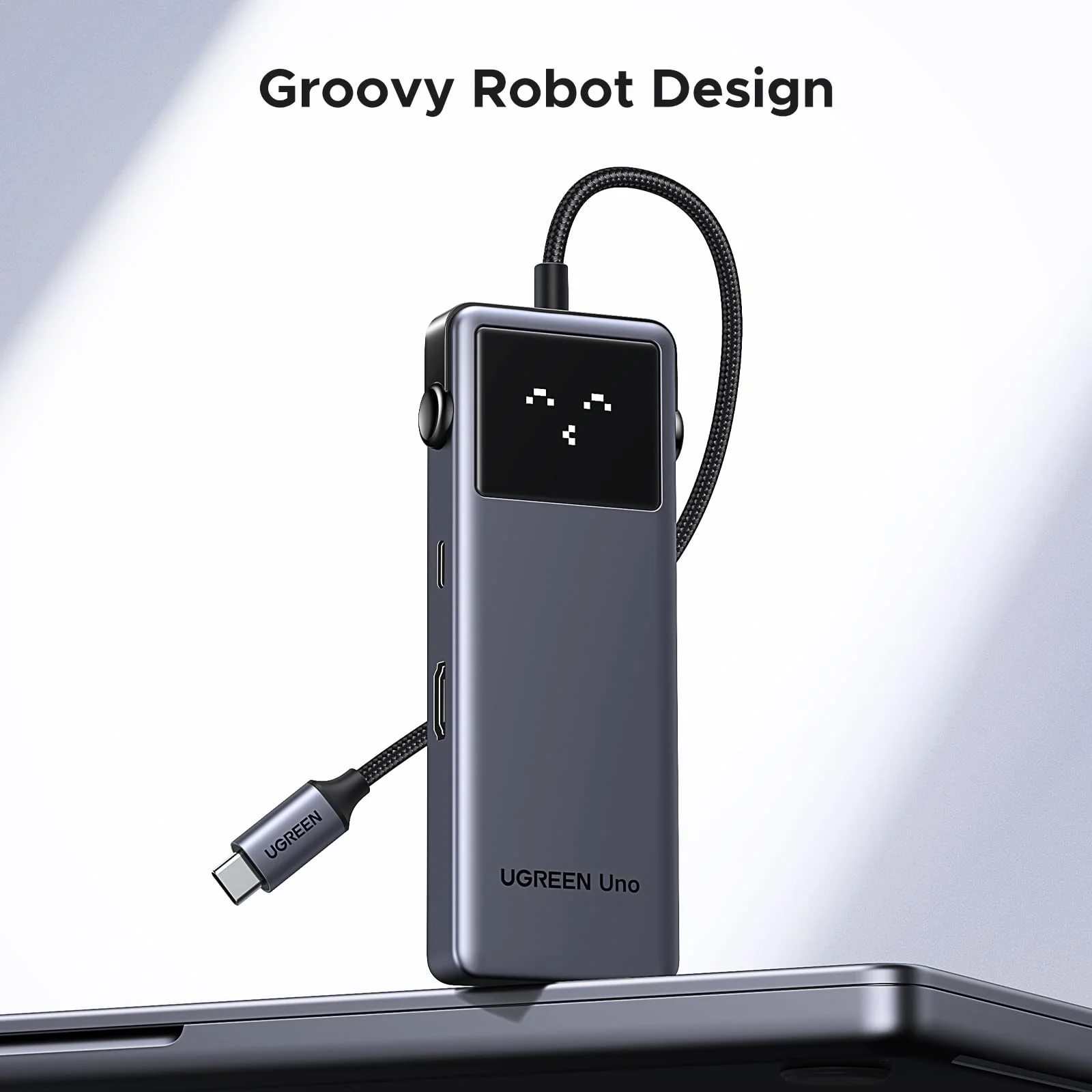
Ultra-Compact Travel Frame: Finally, the feather-light, low-profile layout slides easily into your laptop sleeve or jeans pocket. The short, reinforced cable features durable strain-relief collars to withstand daily bending. Therefore, it serves as the ultimate portable companion for remote work and business travel.
FAQ and Operation Rules
Q1: Can I use the USB 3.0 Type-A ports to charge my smartphone or tablet?
No, the dual USB-A ports are engineered primarily for high-speed data transfer, not device charging. These slots deliver a standard 5V/0.9A baseline current. While this current is perfect for running low-power accessories like keyboards, computer mice, or external hard drives, it will charge a smartphone extremely slowly. For fast charging, plug your device’s original wire directly into the hub’s dedicated 100W USB-C Power Delivery port instead.
Q2: Why does my external monitor occasionally flicker or disconnect when using the hub?
This is typically caused by insufficient power feed or an unrated HDMI cable setup. If you connect multiple high-power draw devices—like two external portable hard drives—alongside the HDMI monitor, the hub may exhaust your laptop’s default port current. To resolve this instantly, simply connect your laptop’s original USB-C charging brick to the hub’s 100W PD slot. This extra juice stabilizes the hardware rails and keeps the external screen completely solid.