




Ugreen Studio Plus ANC 80Hrs Active Noise
৳ 3,338.00

Fast Shipping
Carrier information

20k products
Payment methods

24/7 Support
Unlimited help desk

2-day Delivery
Track or off orders
Description
What Is The Ugreen Studio Plus ANC 80Hrs Active Noise?
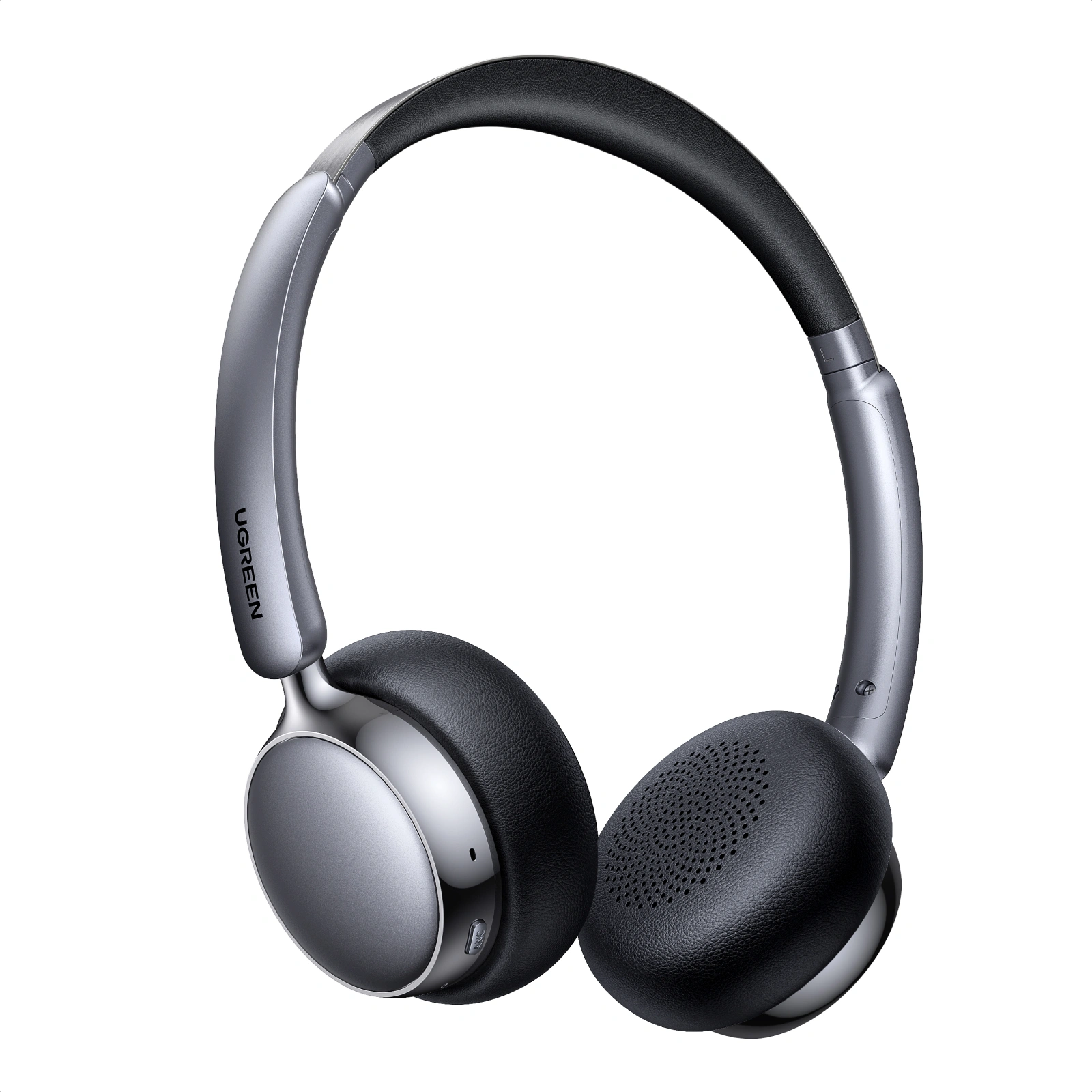
The Ugreen Studio Plus ANC 80Hrs Active Noise is a highly popular entry budget choice for wireless over-ear headphones. It balances extreme battery life with a remarkably lightweight build.
Key Specifications & Features Ugreen Studio Plus ANC 80Hrs Active Noise
75630
Epic 80-Hour Battery Life: You get up to 80 hours of playback with ANC turned off, dropping to a still-impressive 55 hours with ANC on. It fully recharges via USB-C in about 1.5 hours.
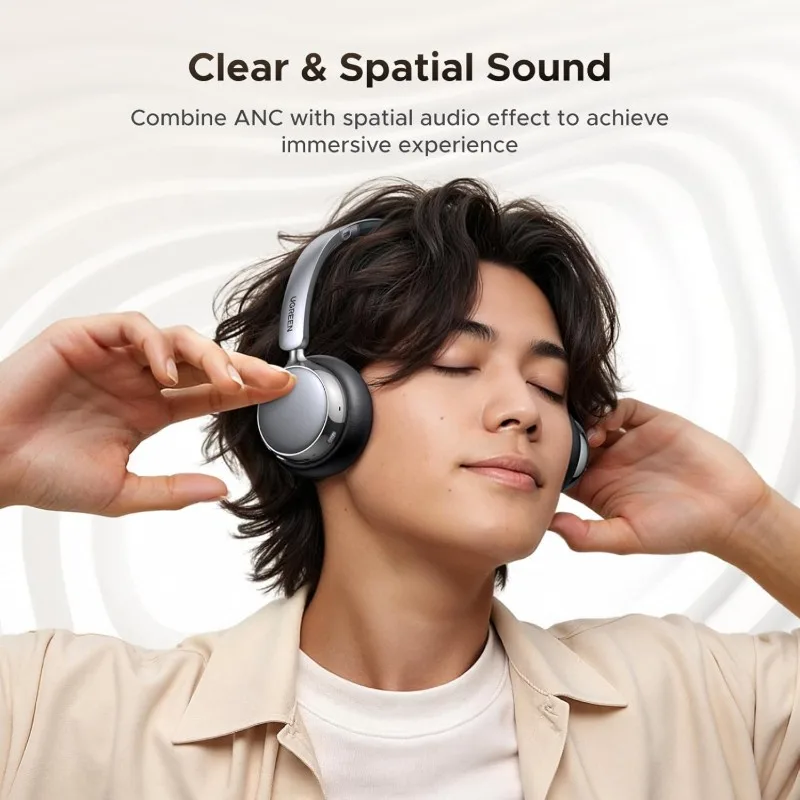
Adaptive Active Noise Cancellation: Features feedforward adaptive ANC that lowers ambient background sound by up to 25dB, automatically tweaking its strength based on your surroundings.
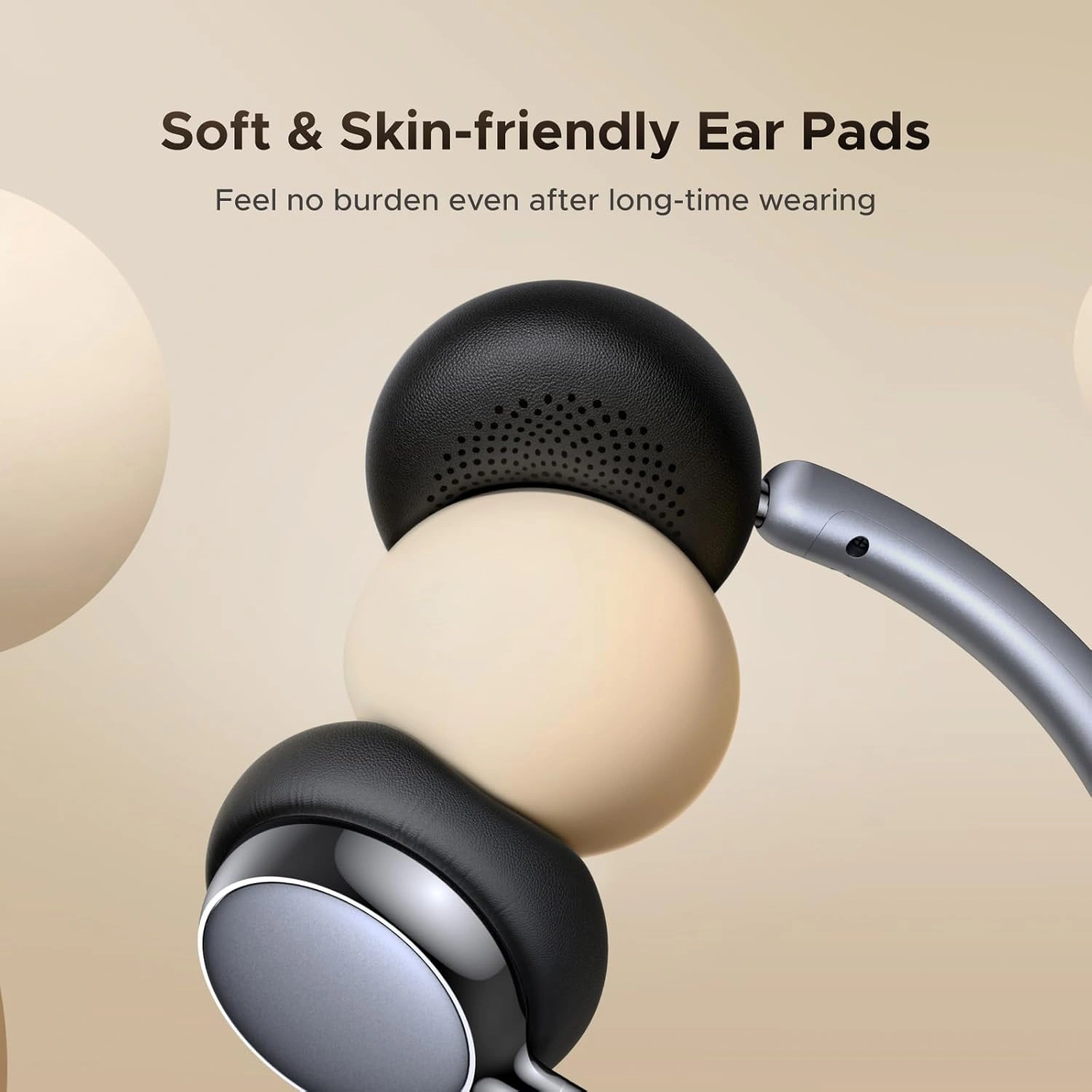
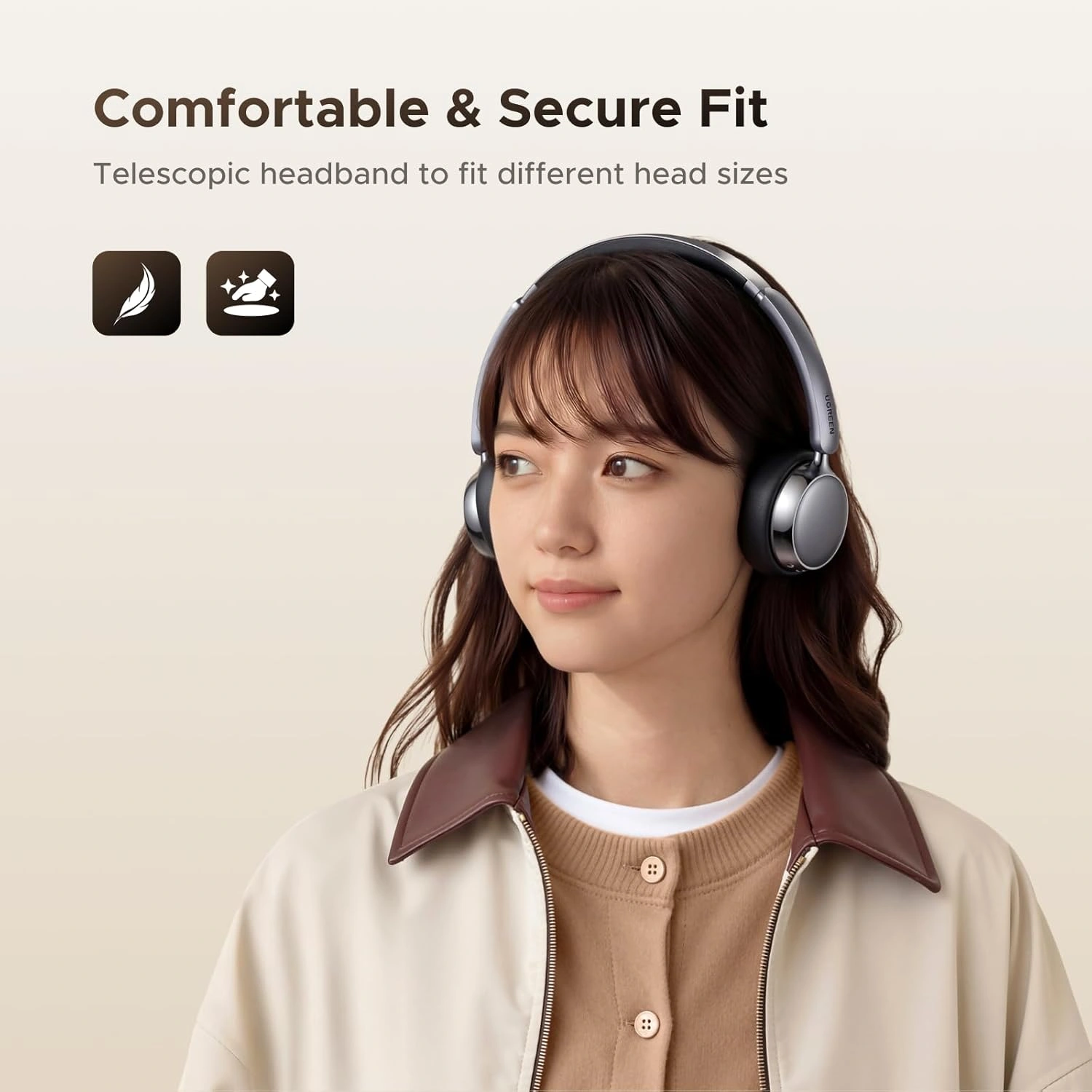
Featherlight Ergonomics: Weighing only 135 grams, it is significantly lighter than the average over-ear headset (which typically sits around 250g+). It uses soft protein-leather ear cushions designed to reduce ear fatigue.
Modern Connectivity: Powered by Bluetooth 6.0 (supporting AAC/SBC codecs), it includes Multi-Point Connection so you can pair it with your phone and laptop at the same time.
Sound & Low Latency: It runs on 30mm titanium-coated composite drivers with 3D spatial audio support. For mobile gaming or video streaming, switching to Game Mode drops the latency down to a tight 0.08 seconds to keep audio in sync.
Smart App Support: It syncs with the Ugreen App, giving you access to 8 preset EQ sound modes and deeper hardware controls.
What it Excels At vs. Things to Consider
| Pros | Cons / Trade-offs |
| Battery Marathon: Easily lasts 1 to 2 weeks of typical daily use on a single charge. | Moderate ANC: At 25dB reduction, the ANC handles steady hums (fans, light traffic) well, but won’t completely silence heavy, sharp noises. |
| Extreme Comfort: The 135g weight feels nearly weightless on the head during long office or study sessions. | 30mm Drivers: The driver size is slightly smaller than the 40mm standard found in bulkier headphones, favoring balance over booming, vibrating bass. |
| Seamless Switching: Dual-device pairing makes it incredibly easy to jump from a laptop Zoom meeting to a phone call. | Synthetic Leather: Protein leather offers a solid acoustic seal but can trap heat on warm days. |
FAQ and Operation Rules
Q1: How do I toggle between Active Noise Cancellation and Transparency Mode?
You can cycle through the audio modes quickly using the physical button on the earcup. Pressing the ANC button toggles the internal microphone matrix through three distinct modes: Active Noise Cancellation (which blocks out steady room drone), Transparency Mode (which channels ambient sounds safely into your ears so you can hear traffic), and Normal Mode (which turns off the digital processing entirely to maximize your battery life).
Q2: Can I pair these headphones to my work laptop and personal smartphone at the same time?
Yes, the Ugreen Studio Plus features smart multi-point dual-device connectivity. To set this up, pair the headphones to your first device via Bluetooth, then turn off that device’s Bluetooth temporarily. Next, put the headphones back into pairing mode and link them to your second device. Once connected to the second machine, turn the first device’s Bluetooth back on. The headset will now manage both connections simultaneously, jumping between a laptop Zoom meeting and an incoming phone call automatically.
Q3: What should I do if the audio sounds slightly out of sync while playing mobile games?
You can eliminate audio lag instantly by enabling the low-latency Game Mode. When you play fast-paced mobile games or watch high-definition video streams, press the dedicated feature button three times (or activate it via the companion Ugreen App). This action drops the wireless latency down to a tight 0.08 seconds. Consequently, your game’s visual action matches the incoming sound cues perfectly, eliminating the frustrating gap common in standard Bluetooth connections.
Q4: Will my computer recognize the built-in microphone if I connect using a 3.5mm auxiliary cable?
No, the microphone and app features require an active wireless Bluetooth connection to function. When you plug a traditional 3.5mm analog cable into the earcup, the headphones bypass their internal digital sound card entirely to save battery power. This design converts the device into a passive headset. Therefore, while you will get crisp, uncompressed audio playback, your computer will not detect the headset’s internal voice mic for calls.